
Resize (Change Machine Type)
How to resize a Compute Instance or change its machine type.
Prerequisite
Instructions
1. Navigate to the Compute Instance Page

2. Go to the Compute Instance Detail Page

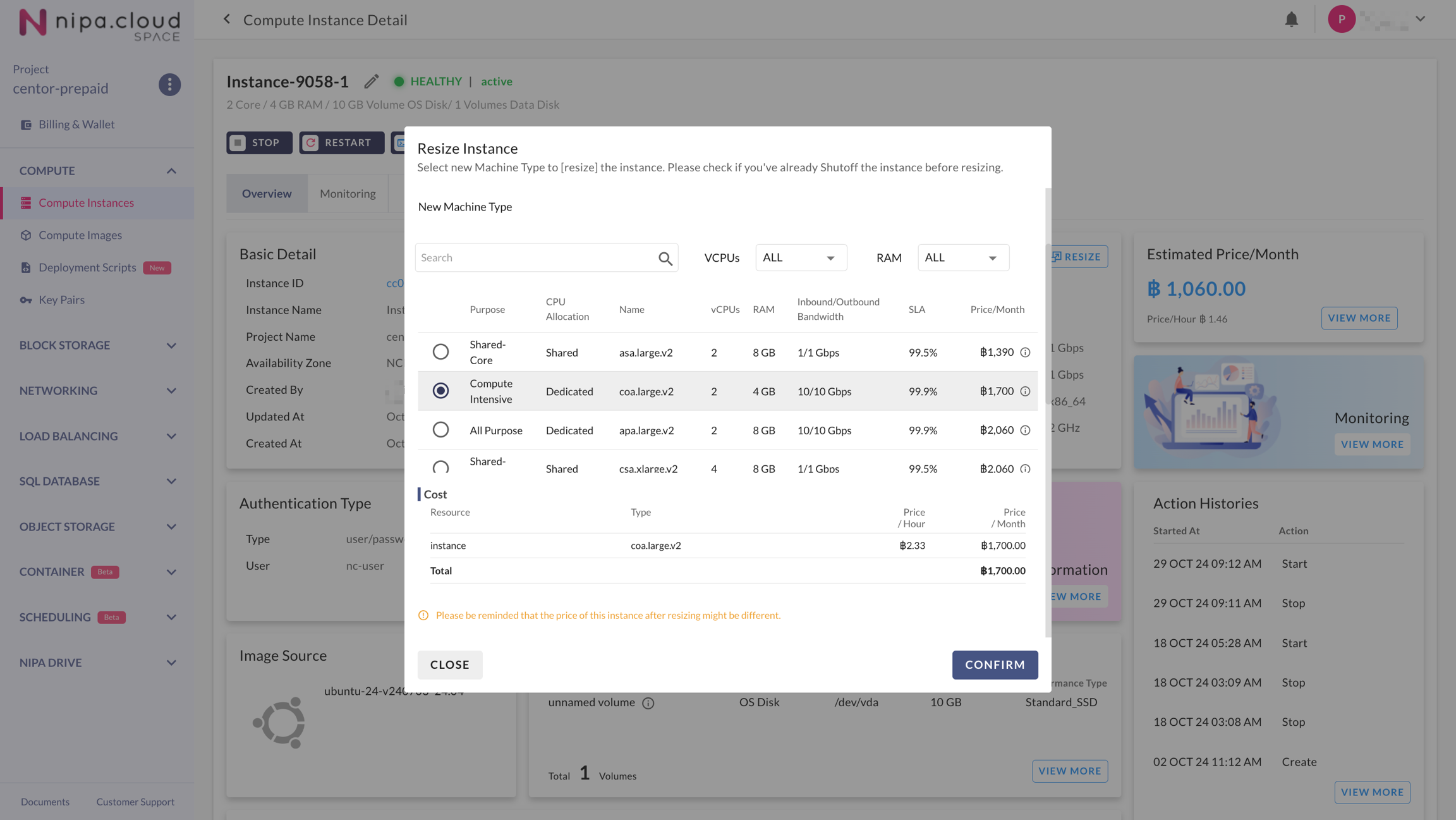
3. Initiate the Resize Action

4. Select the New Machine Type
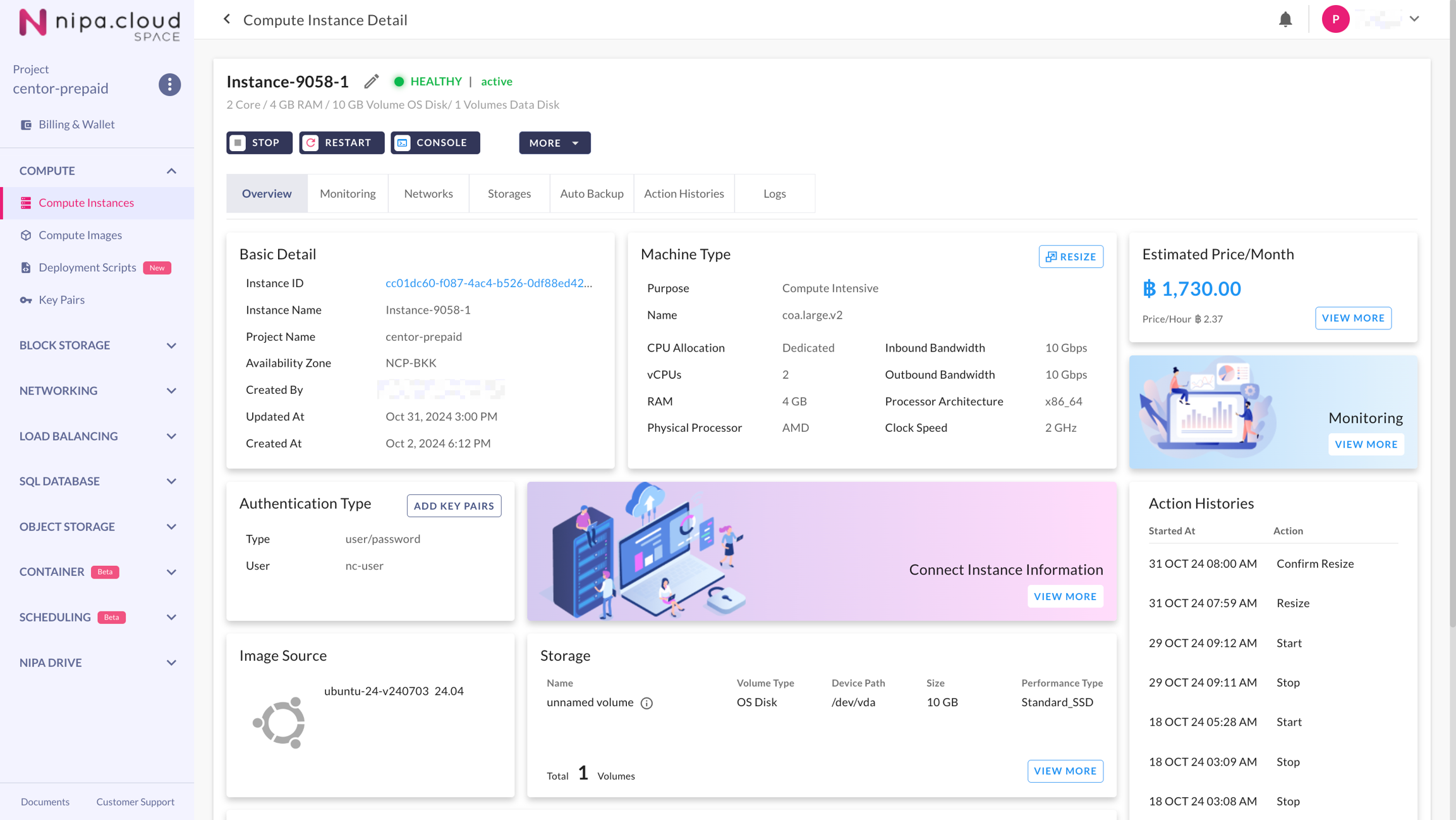
5. Wait for the Instance to Return to its Previous Status

Last updated