# How to change Compute Instance hostname
## Prerequisite
* An instance running one of the following operating systems: Ubuntu 18.04-22.04, AlmaLinux 8, Rocky Linux 8, or CentOS 7-8.
## Instruction
## 1. **Access the instance you want to modify**
[SSH to the Linux Instance](https://docs-epc.gitbook.io/ncs-documents/ncs-documents-en/compute/compute-instance/ssh-to-linux-compute-instance).
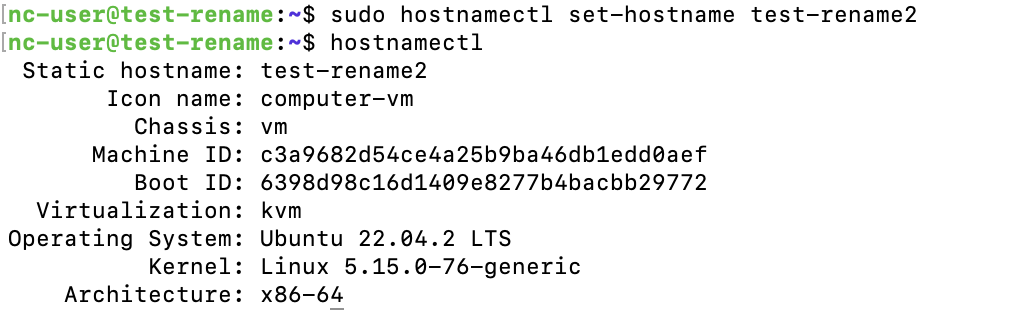
## 2. **Use the following command to change the hostname**
Replace with your desired new hostname.
```
$ sudo hostnamectl set-hostname
```
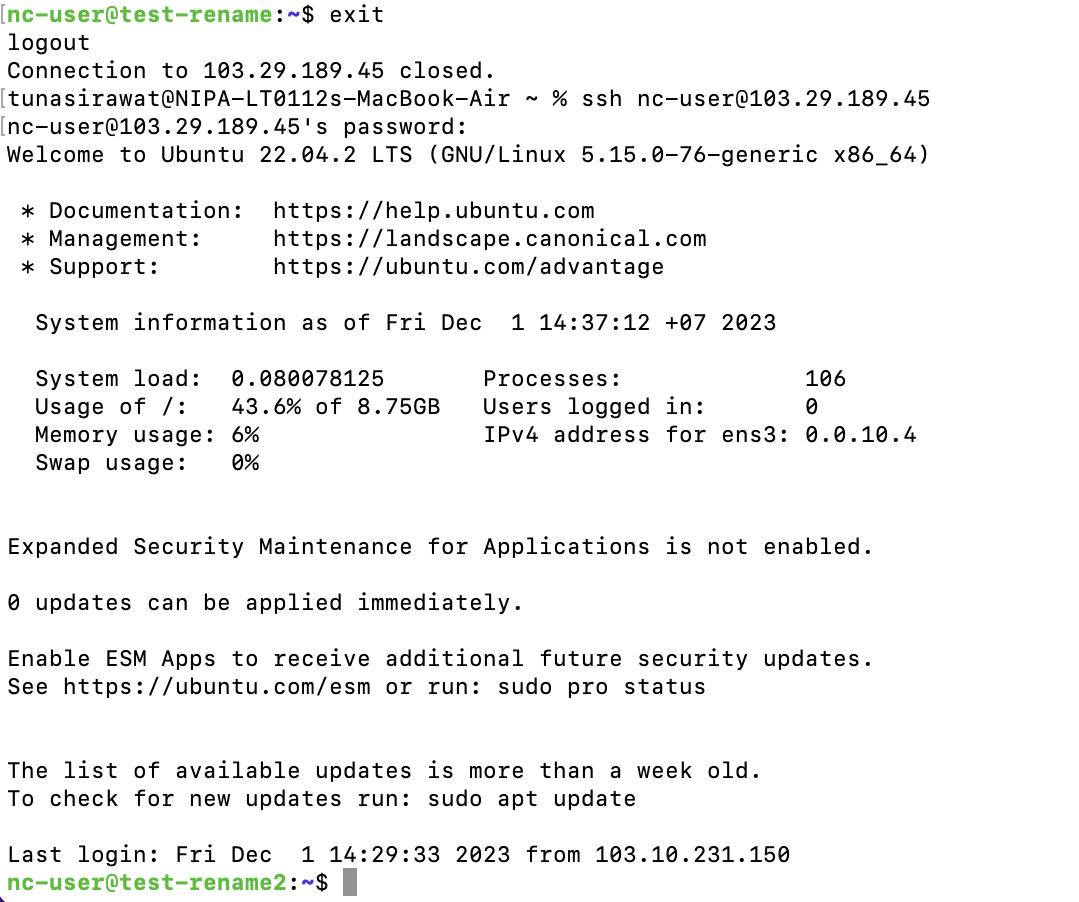
## 3. **To verify the change was successful, use the command below.** Alternatively, you can log out and log back into the instance to see the updated hostname.
```
$ hostnamectl
```
Change the instance's hostname and verify the change.