# Monitoring Center
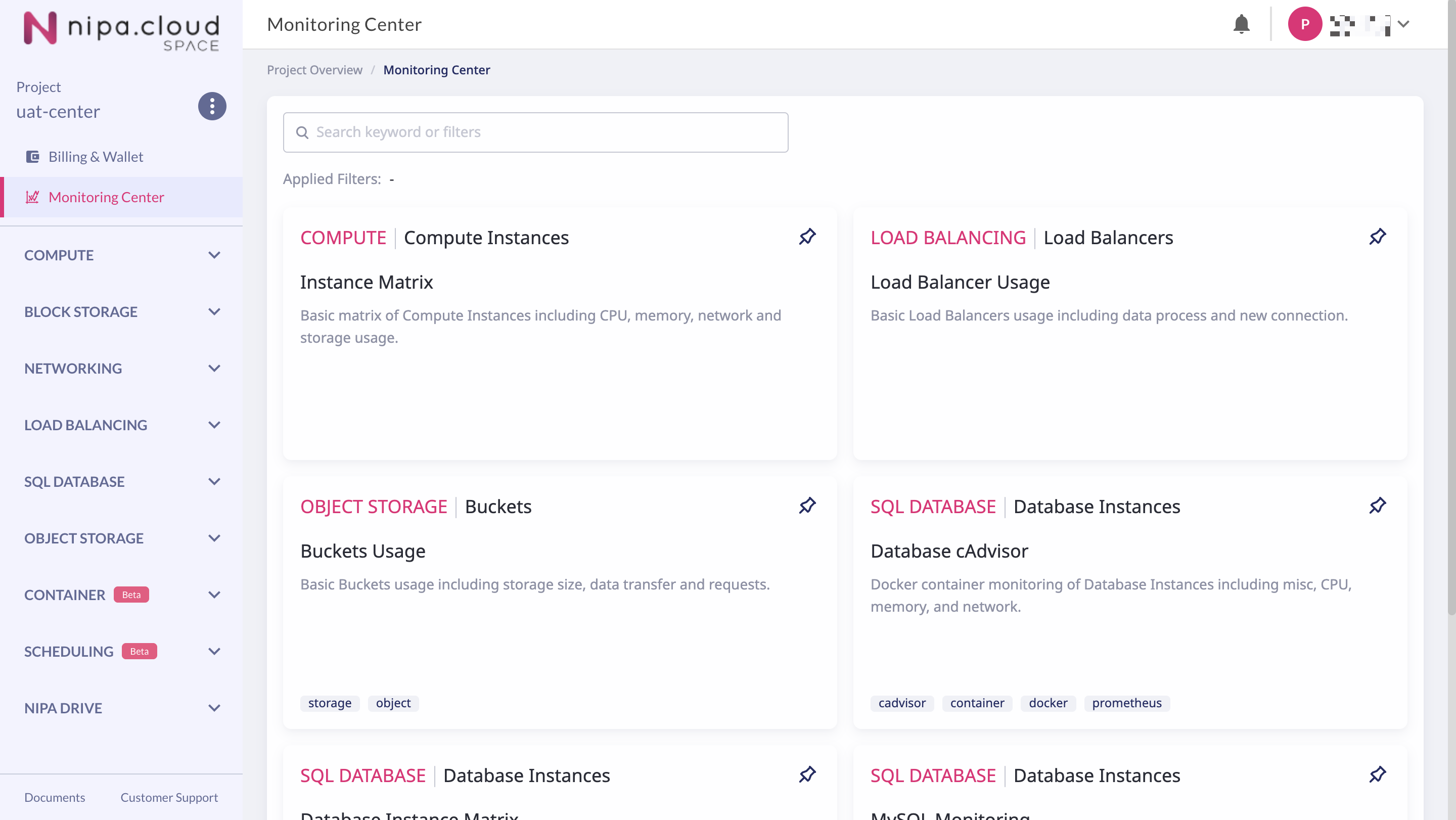
The **Monitoring Center** is a service that allows users to monitor stats and usage for various resources within a project—such as Compute Instances, Load Balancers, Database Instances, and Object Storage Buckets—all from a single page.
Monitoring Center
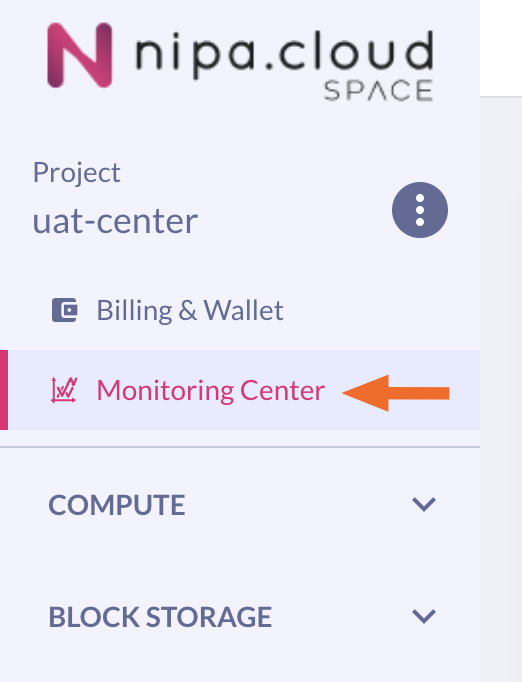
It can be accessed from the sidebar by selecting the **"Monitoring Center"** menu.
Monitoring Center Menu
## Page Components
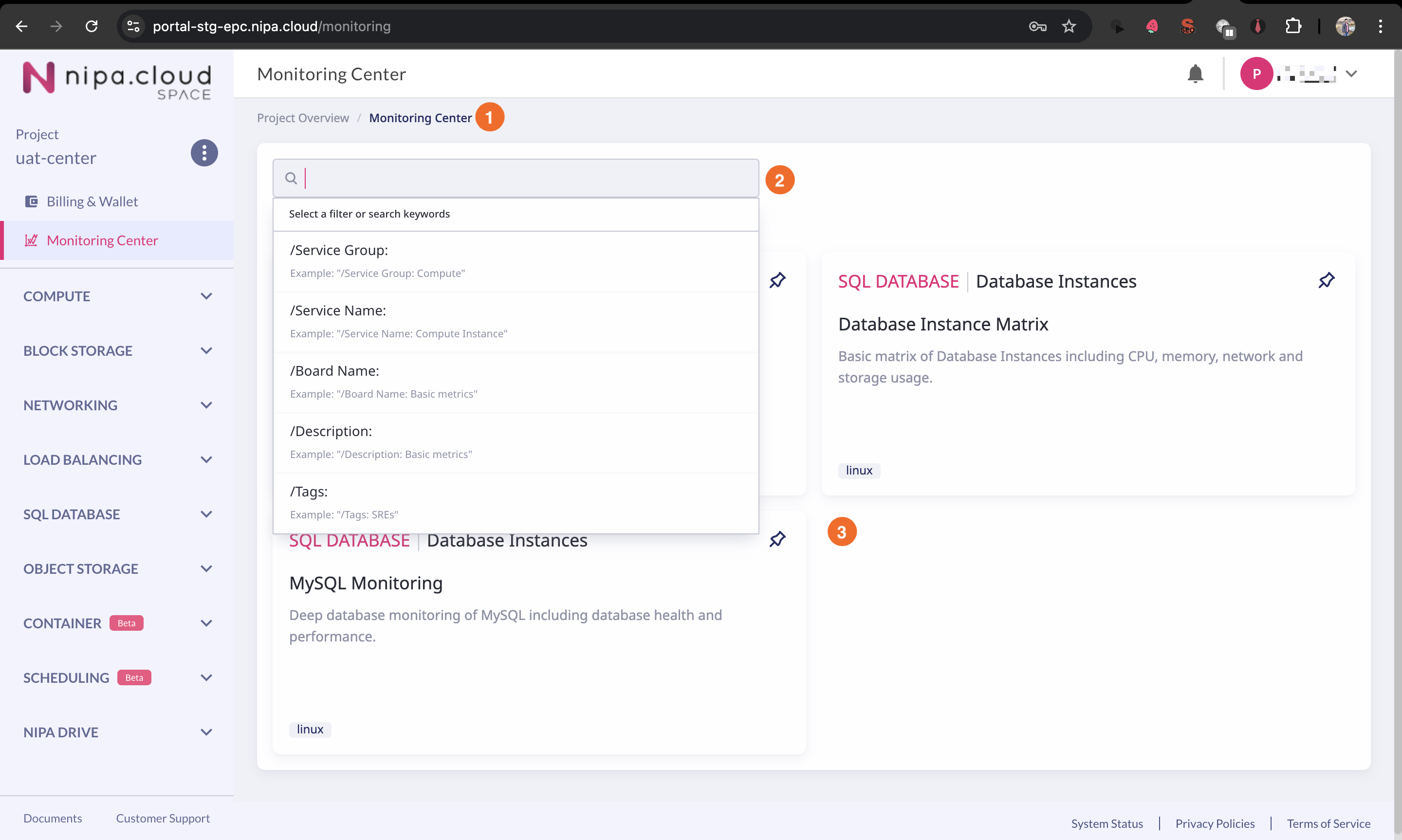
The Monitoring Center page consists of the following components:
1. A **breadcrumb menu** for navigating back to previous pages.
2. A new, user-friendly **search box**.
3. A list of available **Monitoring Boards**.
Monitoring Center Page Components
## Monitoring Board Detail
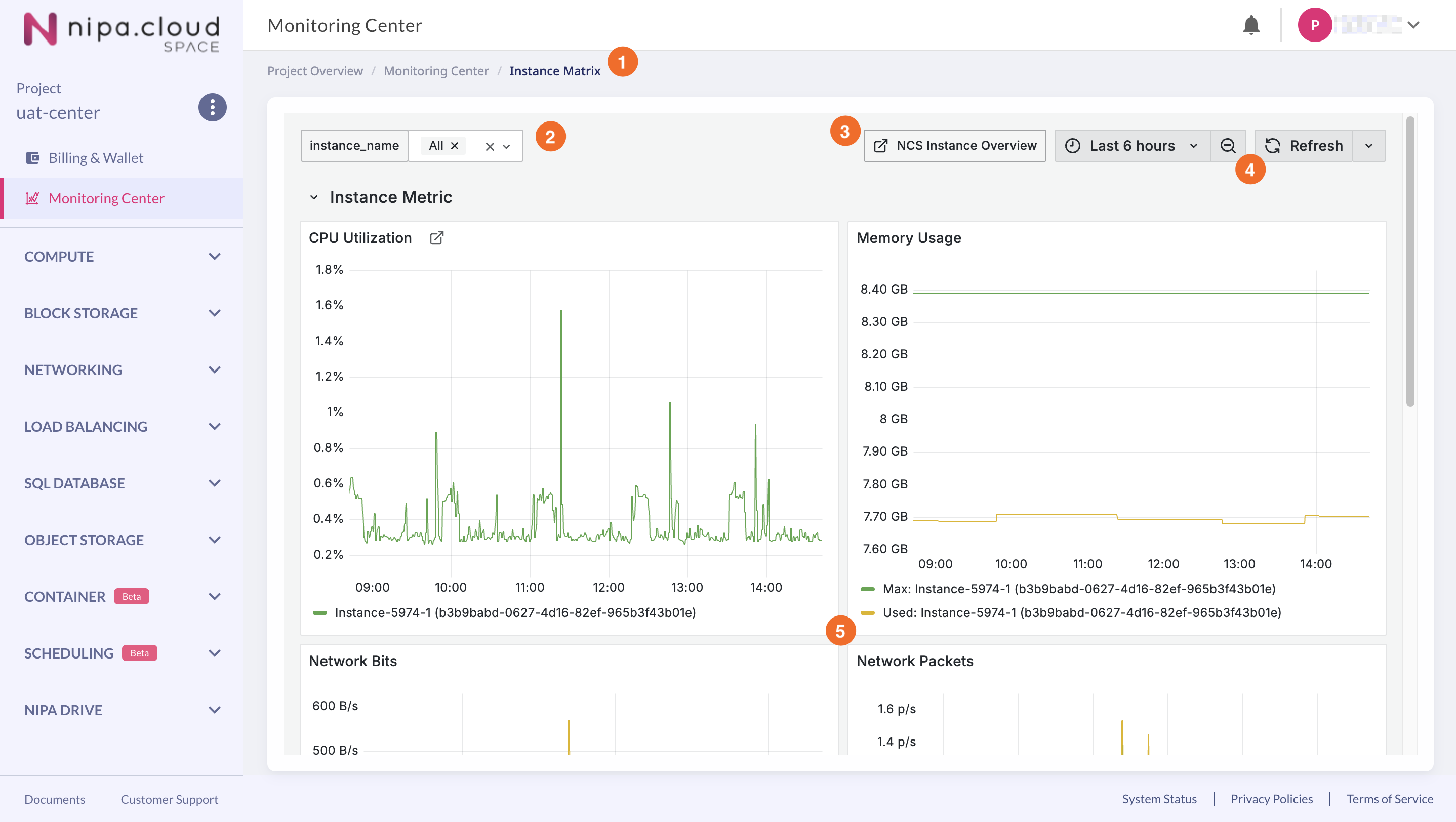
Click on a desired Monitoring Board to effectively monitor the stats and usage of your resources. The Monitoring Board Detail page includes the following components:
1. A **breadcrumb menu** for navigating back to previous pages.
2. A **filter** to select a specific resource to monitor or to select multiple resources for comparison.
3. A **link** that directs you to the resource list page for that specific resource type.
4. A familiar **time filter** to select the desired monitoring period.
5. **Monitoring graphs** displaying stats or usage data, which vary depending on the selected Monitoring Board. You can also interact directly with the graphs to adjust the monitoring time range.