# Revoke Sub-User's Access Key
## Prerequisite
* The project's wallet balance must be greater than 0 ([see how to top up a project's wallet](https://docs-epc.gitbook.io/ncs-documents/ncs-documents-en/nipa-cloud-space-overview/billing-and-wallet/topup-a-project-wallet)).
* An Object Storage sub-user must exist in the project ([see how to create an Object Storage sub-user](https://docs-epc.gitbook.io/ncs-documents/ncs-documents-en/storage/object-storage-s3/create-an-object-storage-sub-user)).
## Instructions
### 1. **Enter the Project**
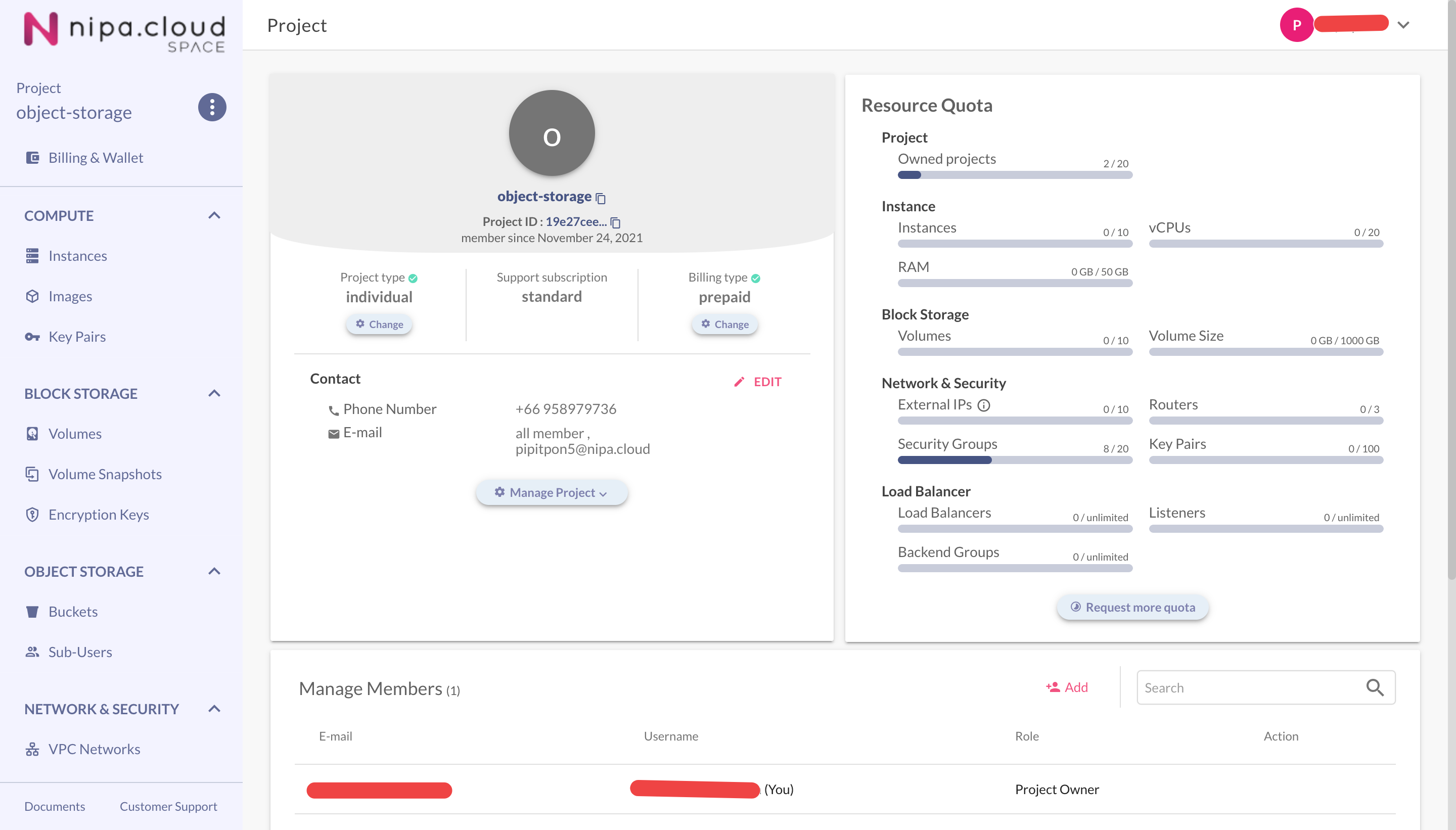
Select a project from the Projects Management page to go to its Project Detail page.
Project Detail Page
### 2. **Go to the Object Storage - Sub-User Page**
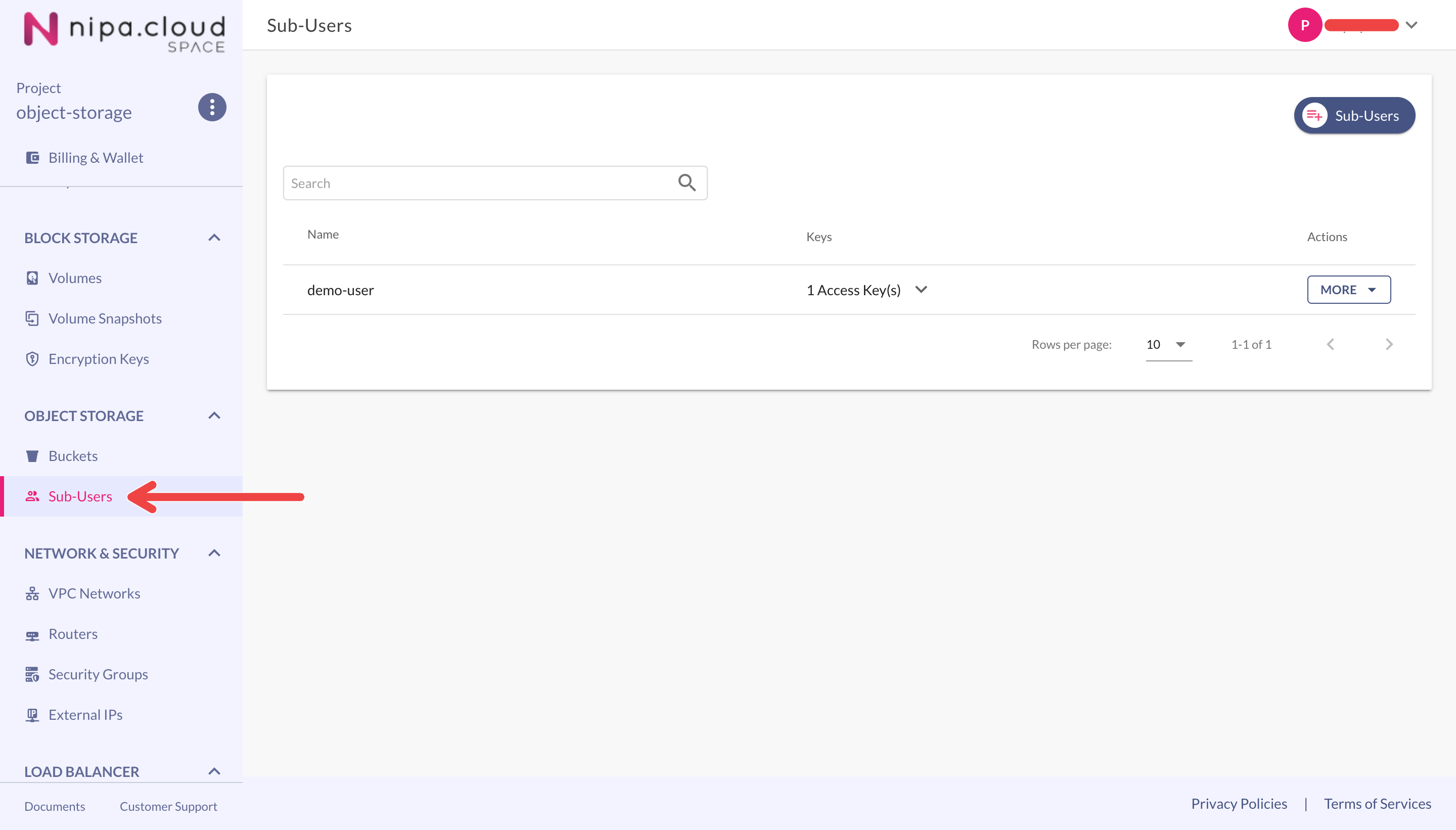
Select the **Sub-Users** menu under the **OBJECT STORAGE** group to go to the sub-users page.
Sub-Users Page
### 3. **Revoke the Sub-User's Access Key**
* Click the dropdown arrow to expand the access key list for the desired sub-user.
* Click the **REVOKE** button next to the specific access key you want to disable.
* On the "Revoke Access Key" confirmation screen, click the **REVOKE** button again to confirm.
.png)