# Loging in to Nipa Cloud Space
## Prerequisite
* You must have a registered account in NIPA Cloud Space (see [account creation steps](https://docs-epc.gitbook.io/ncs-documents/ncs-documents-en/nipa-cloud-space-overview/ncs-user-account/create-nipa-cloud-space-account)).
## Instructions
### 1. **Go to the NIPA Cloud Space Portal**
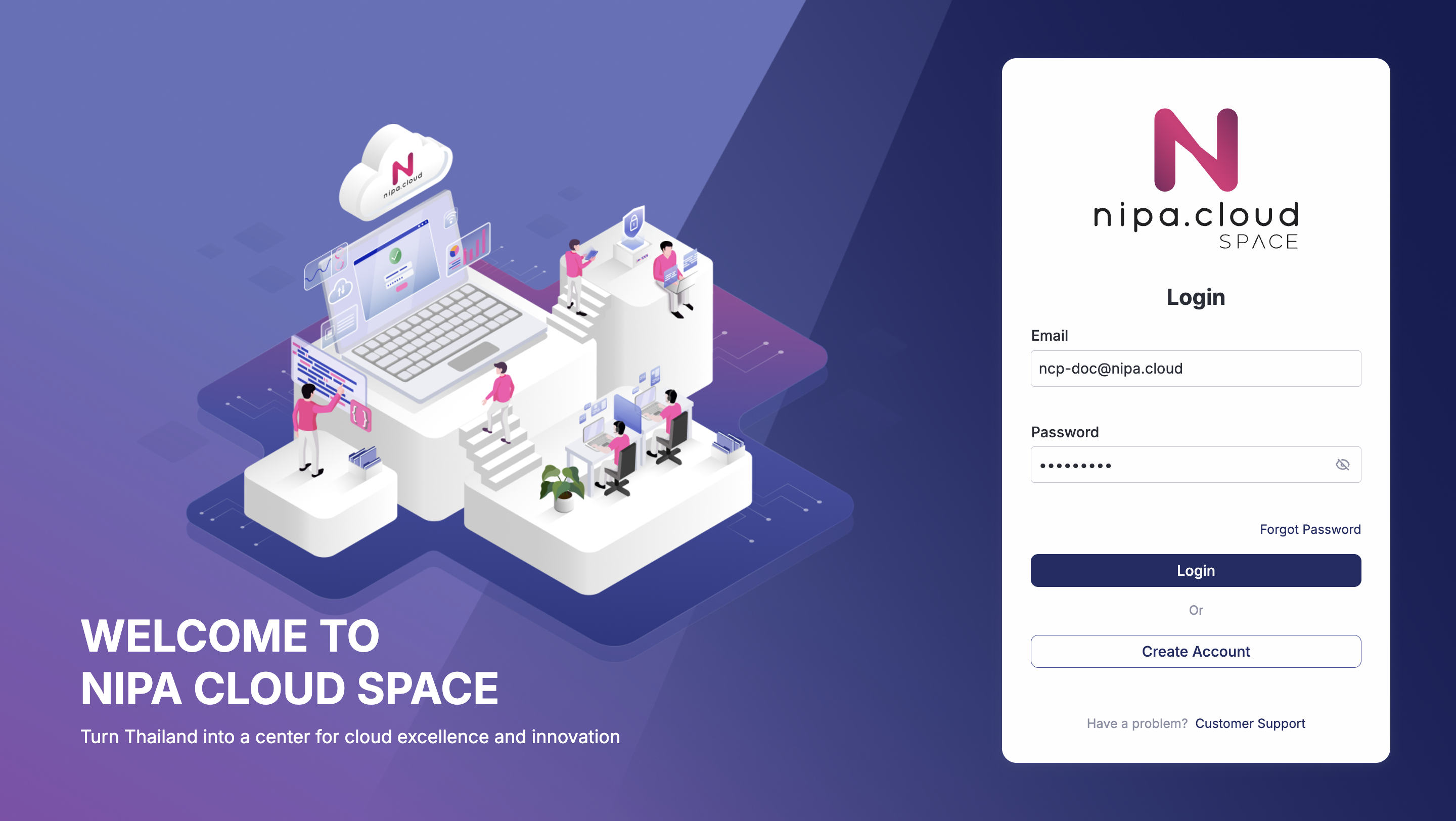
Navigate to to reach the NIPA Cloud Space login page.
Login Page
{% hint style="info" %}
If the login page has been left idle for an extended period, you may encounter an error. Refresh the page before attempting to log in again.
{% endhint %}
### 2. **Enter Your Credentials**
Enter the email and password you registered with, then click the **"LOGIN"** button. Upon successful authentication, you will be redirected to the project management page.