# Redeem Voucher
## Prerequisite
* Your account must have at least one Project (see [project creation](https://docs-epc.gitbook.io/ncs-documents/ncs-documents-en/nipa-cloud-space-overview/co-working-projects/create-co-working-project)).
## Instructions
### 1. **Enter the Project**
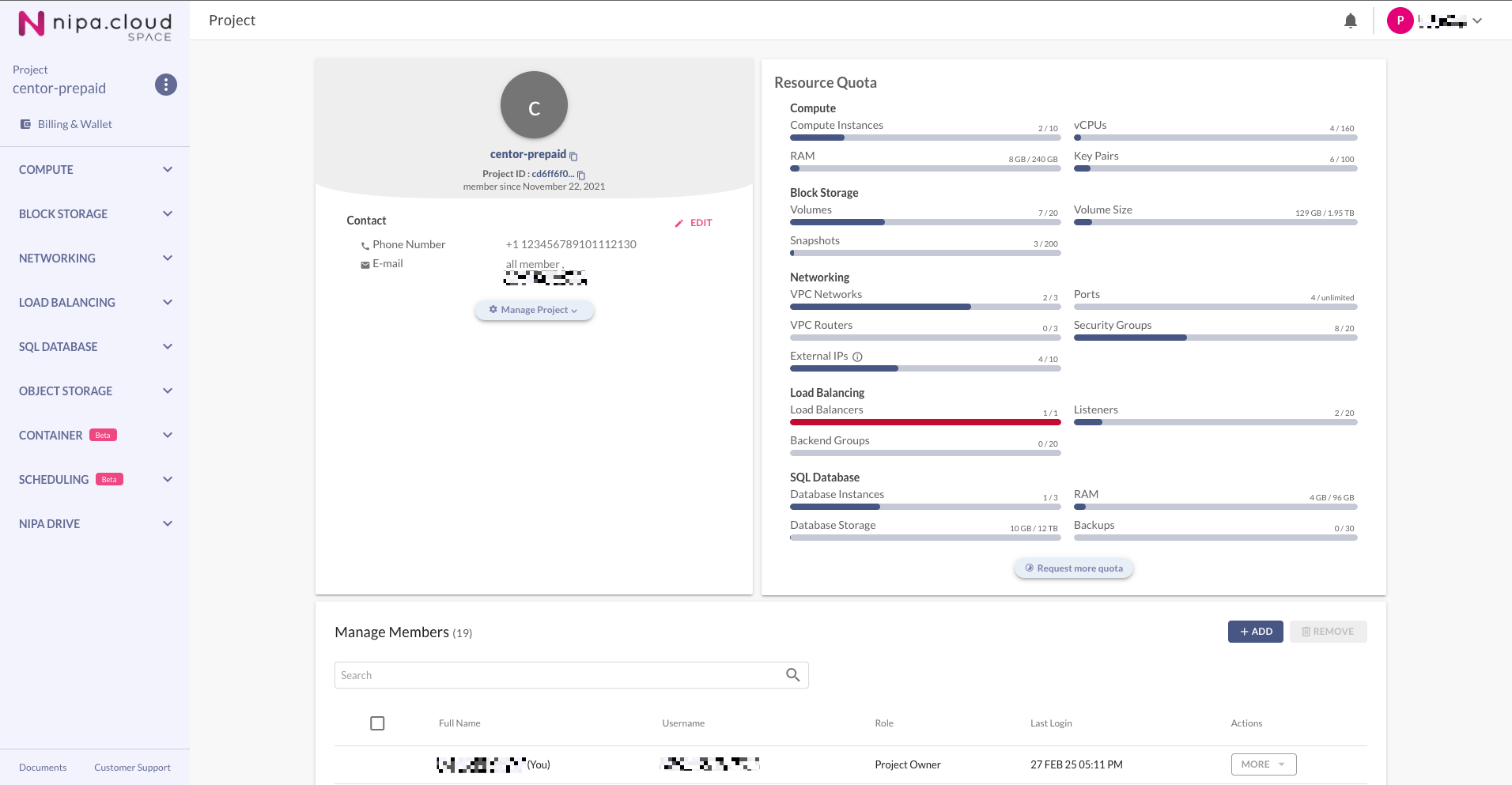
Select the desired project from the Projects Management page to go to its Project Detail page.
Project Overview
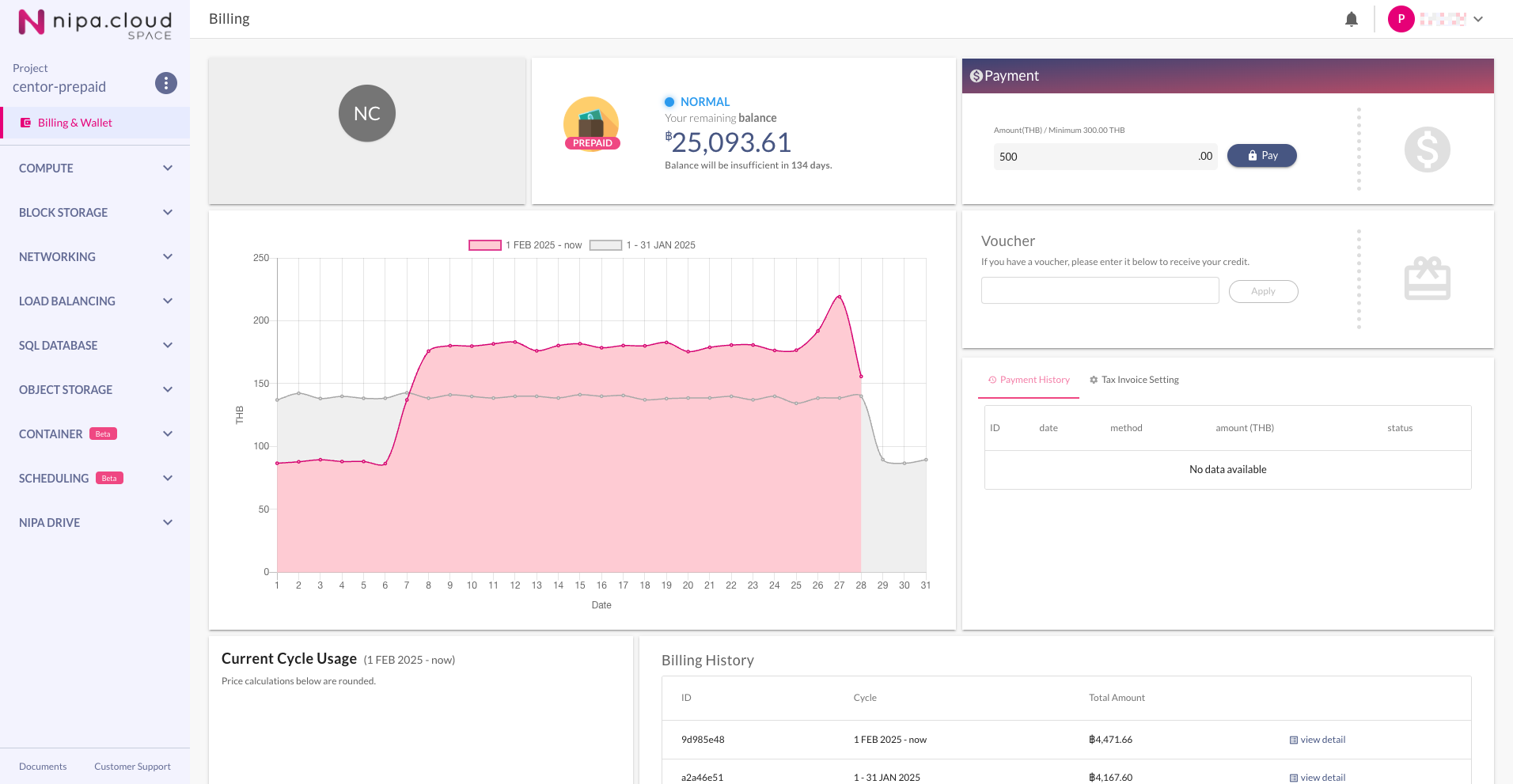
### 2. **Navigate to the Billing & Wallet Page**
Click on **"Billing & Wallet"** in the sidebar menu.
Billing & Wallet
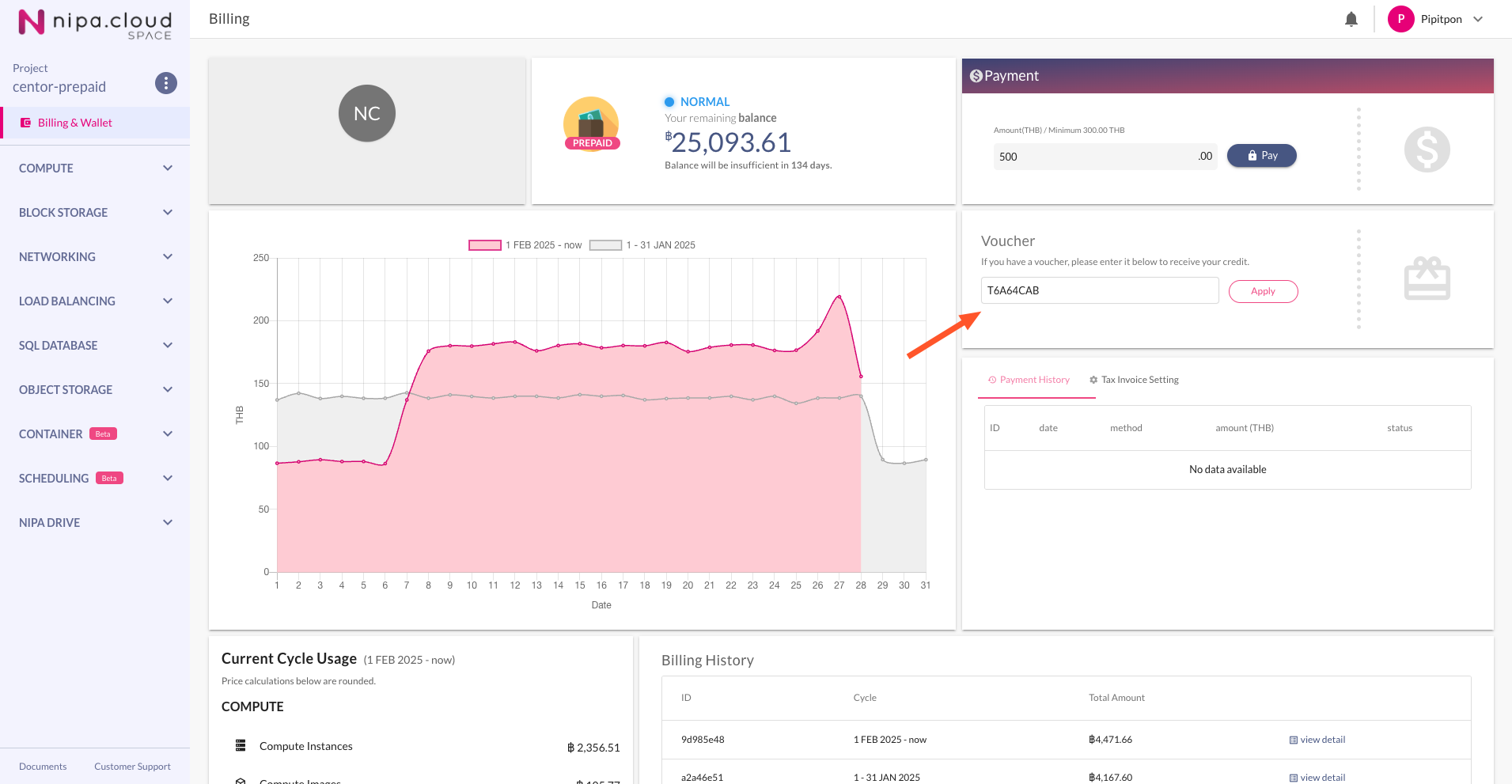
### 3. **Enter the Voucher Code**
In the "Voucher" section, enter the code you received from the promotional event and click **"Apply"**.
Applying Voucher
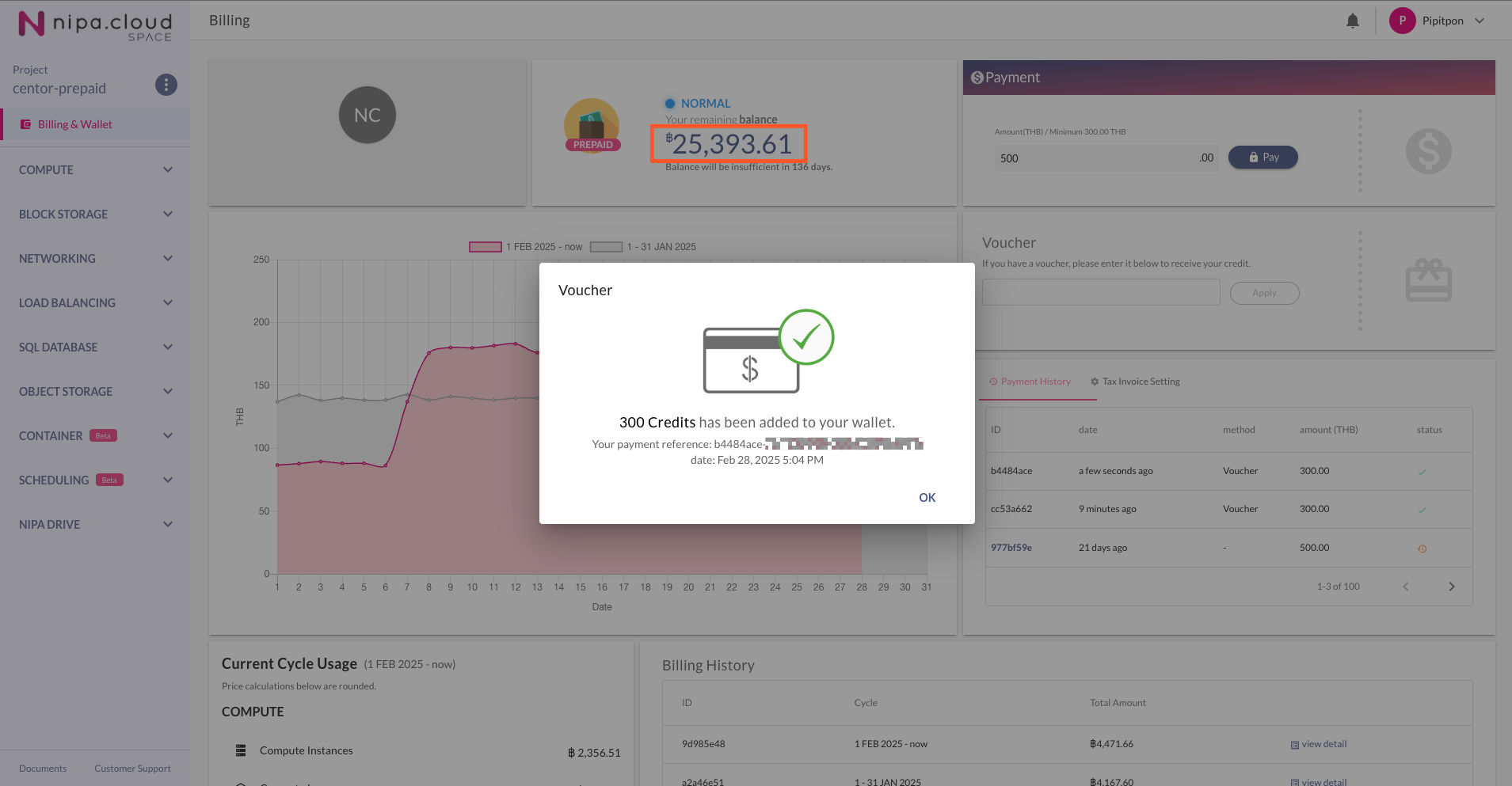
Upon successful application, the wallet balance will be increased by the value of the voucher.